> For the complete documentation index, see [llms.txt](https://docs.keeper.io/llms.txt). Markdown versions of documentation pages are available by appending `.md` to page URLs; this page is available as [Markdown](https://docs.keeper.io/keeperpam/jp/privileged-access-manager/universal-secrets-sync.md).
# ユニバーサルシークレット同期
共有シークレットをクラウドのシークレット管理サービスへ同期
### ユニバーサルシークレット同期とは
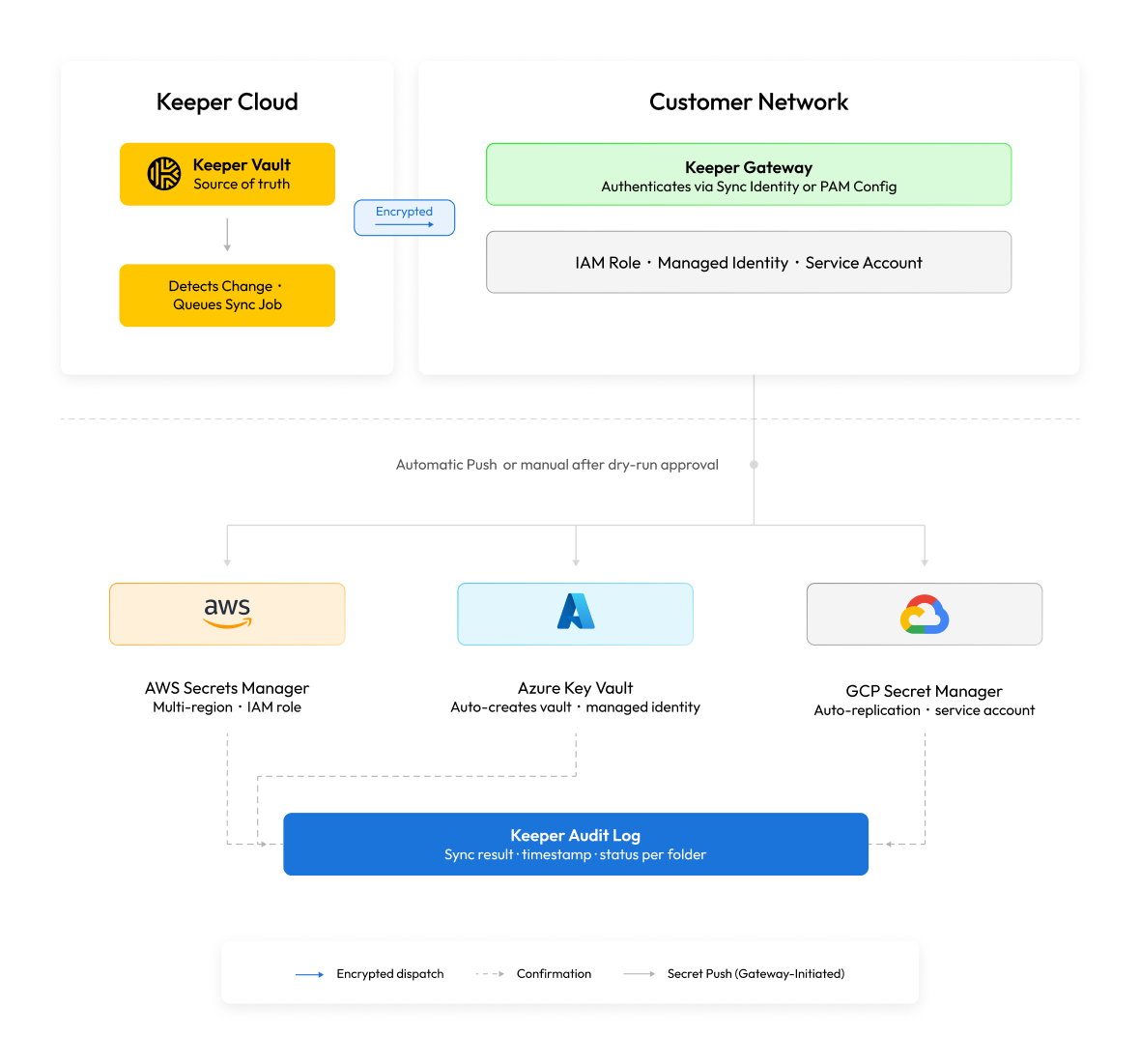
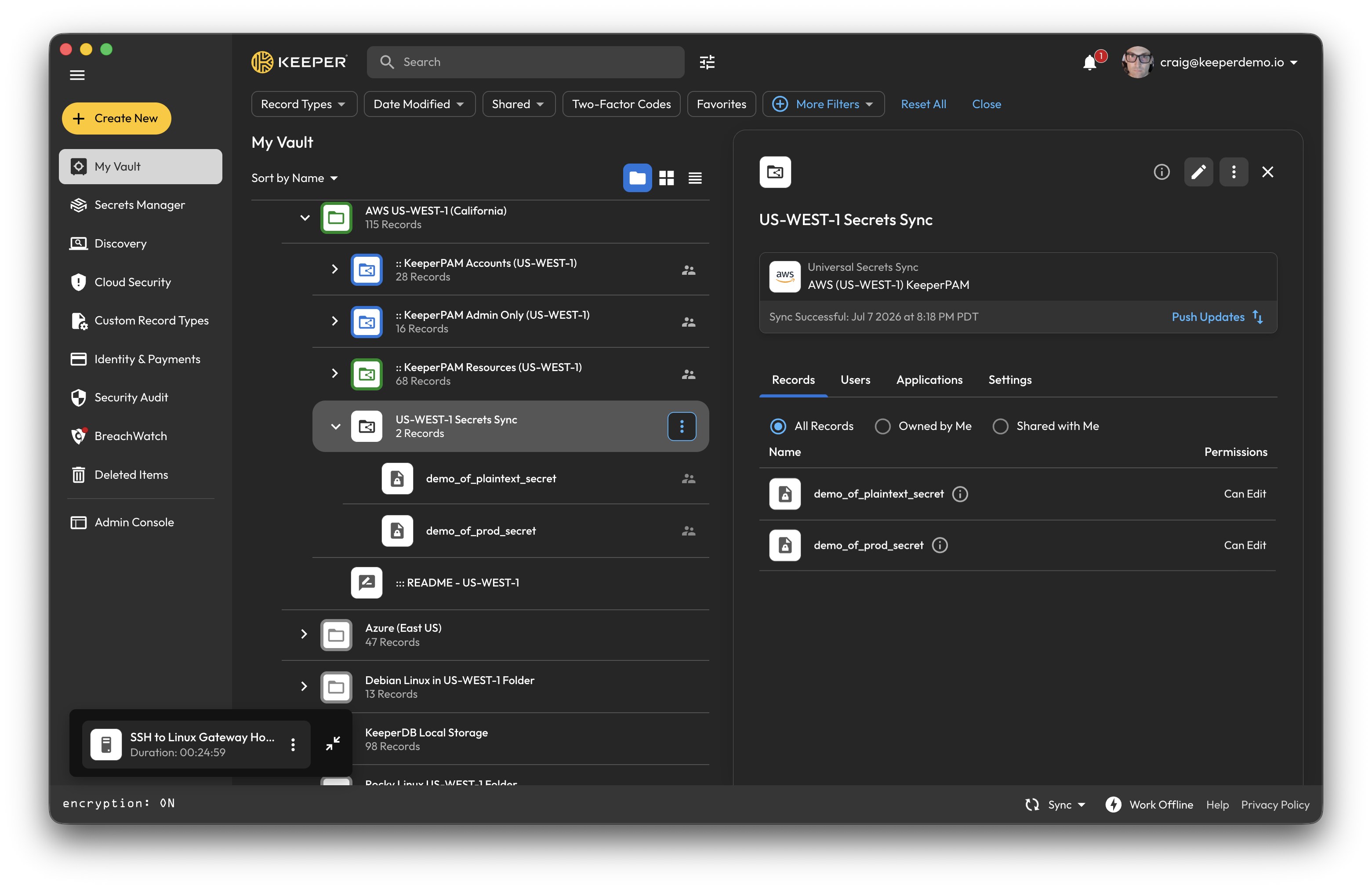
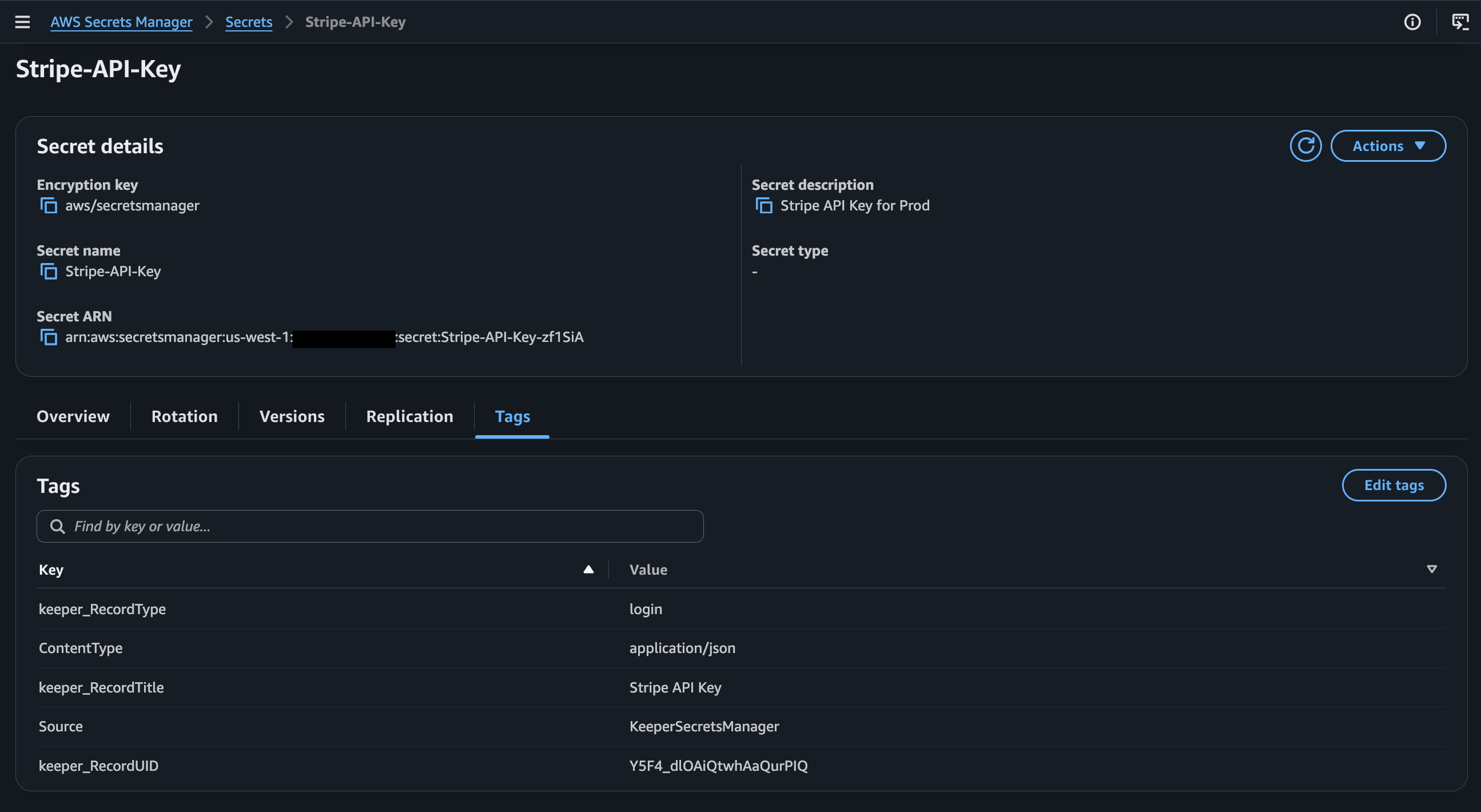
ユニバーサルシークレット同期 (USS) では、Keeperボルトのシークレットをクラウドプロバイダのシークレットストア (AWS Secrets Manager、Azure Key Vault、Google Cloud Secret Manager、GitHub Actions、HashiCorp Vault) へ自動的にプッシュします。USSを利用すると、Keeperボルトがすべてのクラウドシークレットにおける信頼できる情報源となります。Keeperでレコードが変更されると、更新されたシークレットが手動操作なしで、構成済みのすべてのクラウドプロバイダに届きます。
### セキュリティモデル
USSはKeeperのゼロ知識アーキテクチャを継承します。シークレット値はお客様のゲートウェイ内で復号され、クラウドプロバイダへ直接書き込まれます。Keeperのサーバー上で復号されることはなく、転送中にKeeperのクラウドインフラに保存されることもありません。
| 脅威 | USSによる対策 |
| ----------------------- | -------------------------------------------------- |
| Keeperのクラウドでシークレットが見える | ゲートウェイ上でローカルに復号・書き込みが行われるため、Keeperのクラウド上では平文は扱われない |
| ローテーション後のクラウドシークレットの陳腐化 | 自動同期により、ボルトの変更から数秒以内にクラウドストアが更新される |
| 過剰な権限を持つ同期認証情報 | 同期IDは、シークレットマネージャーのみにスコープされた最小権限のIAMロール/マネージドIDに対応 |
| 監査のギャップ | すべての同期操作が記録され、レポート・アラートでシークレットごとの作成/更新イベントを確認可能 |
### はじめに
#### **要件**
* KeeperPAMの有効なライセンス
* インストールおよび登録済みのKeeperゲートウェイ([ゲートウェイのセットアップガイド](/keeperpam/jp/privileged-access-manager/getting-started/gateways.md)をご参照ください)
* ゲートウェイに関連付けられたKSMアプリケーション
* 対象クラウド環境 (AWS、Azure、GCP) 向けのPAM構成
* 管理コンソールで「ユニバーサルシークレット同期設定を構成できる」強制適用ポリシーが有効であること
#### **セットアップチェックリスト**
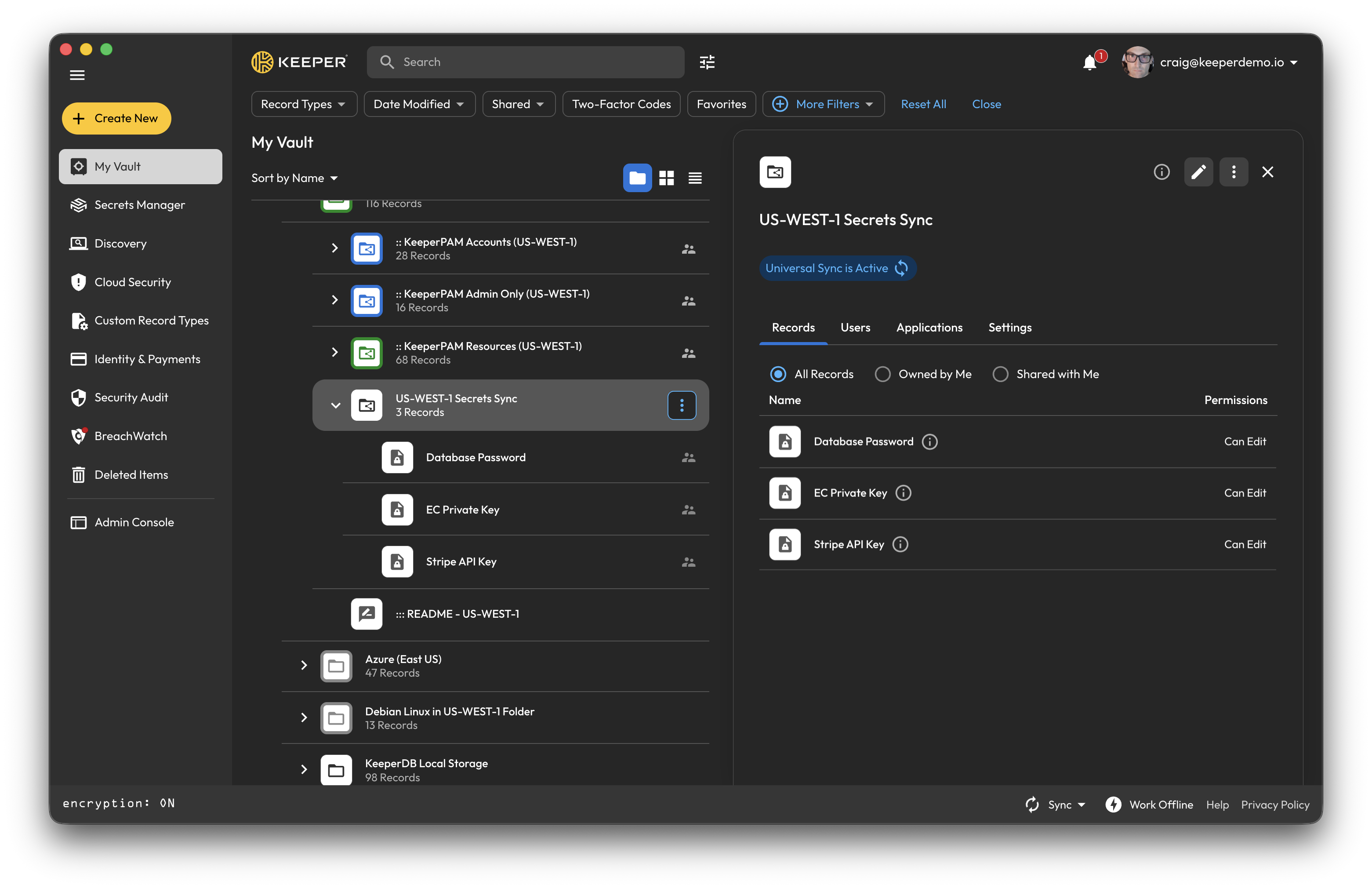
1. ボルトにフォルダを作成し、同期対象のレコードを追加
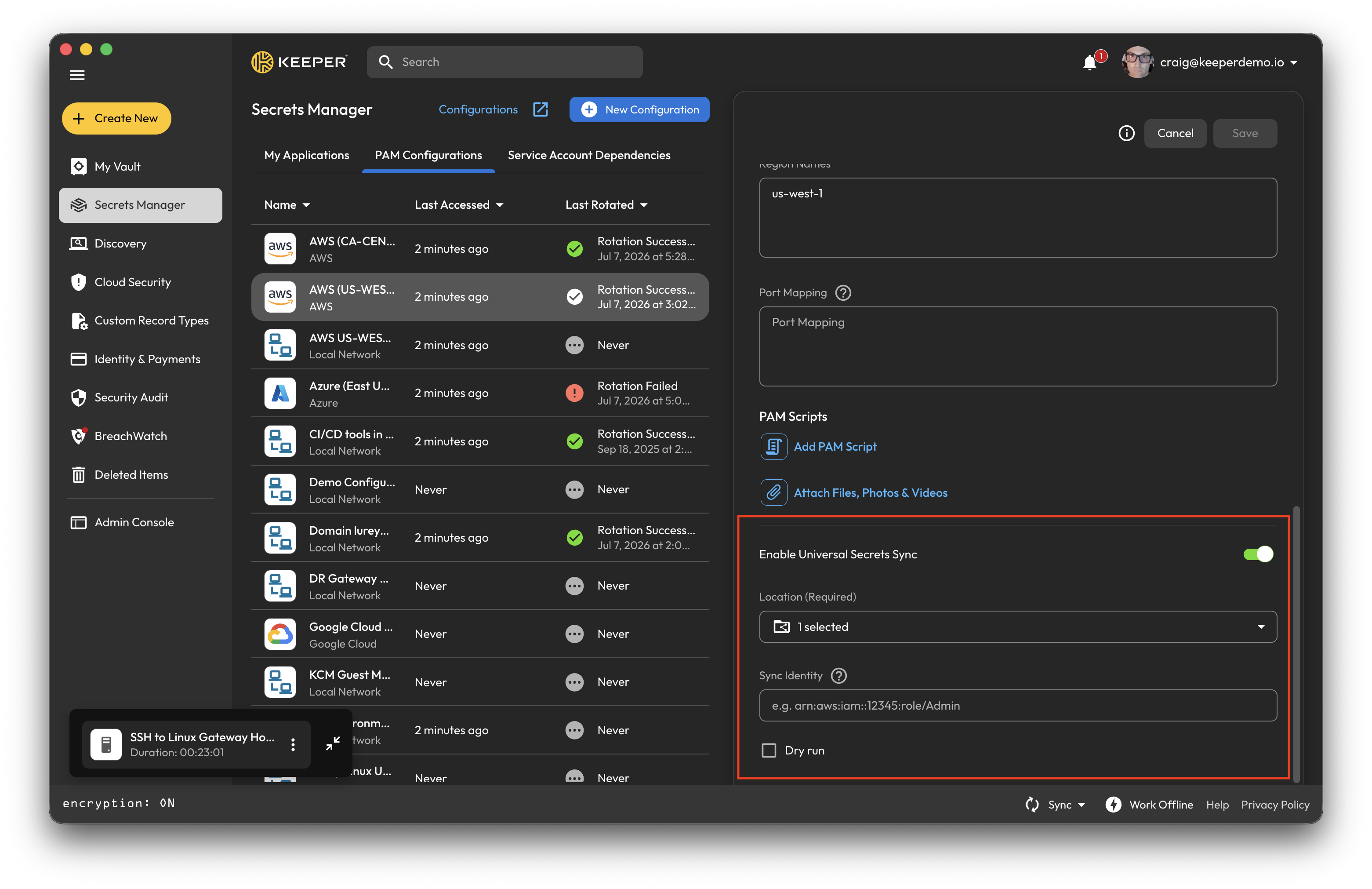
2. 対象クラウド環境のPAM構成を開き、ユニバーサルシークレット同期を有効化
3. リンクするフォルダを選択し、同期IDを構成
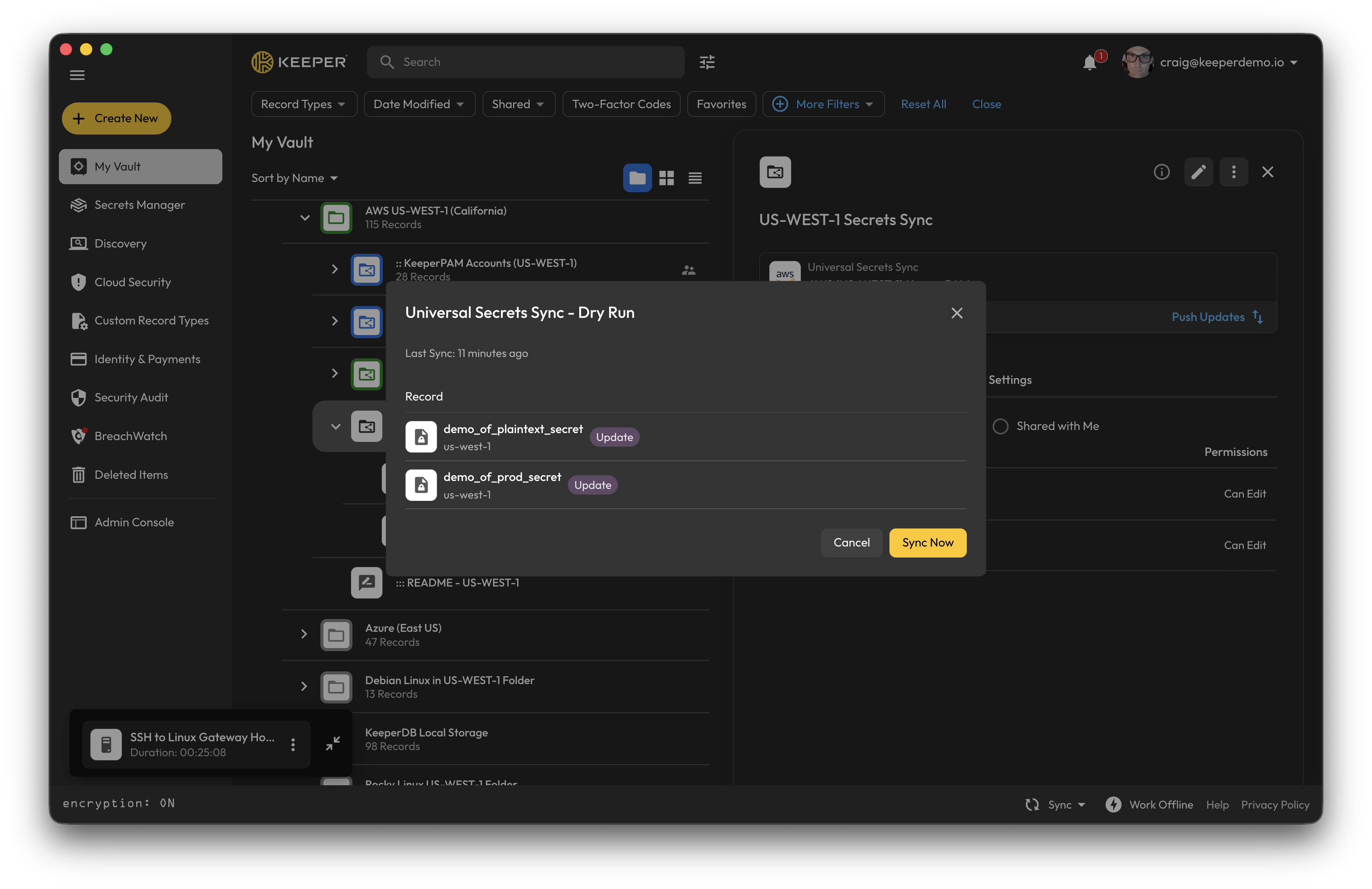
4. 自動同期またはドライランモードを選択
5. 同期を確認
#### 詳細なセットアップガイド
* [セットアップ](/keeperpam/jp/privileged-access-manager/universal-secrets-sync/setup.md): 要件とPAM構成のセットアップ
* [移行](/keeperpam/jp/privileged-access-manager/universal-secrets-sync/migration.md): 既存のクラウドシークレットのインポートと、1つのワークフローでのUSS構成
* [コマンダーCLI](/keeperpam/jp/privileged-access-manager/universal-secrets-sync/commander-guide.md): CLIリファレンスとドライランのワークフロー
* [ボルトガイド](/keeperpam/jp/privileged-access-manager/universal-secrets-sync/vault-guide.md): ボルトUIによる段階的な操作手順
---
# Agent Instructions
This documentation is published with GitBook. GitBook is the documentation platform designed so that both humans and AI agents can read, navigate, and reason over technical content effectively. Learn more at gitbook.com.
## Querying This Documentation
If you need additional information that is not directly available in this page, you can query the documentation by asking a question.
Perform an HTTP GET request on the following URL with the `ask` and `goal` query parameters:
```
GET https://docs.keeper.io/keeperpam/jp/privileged-access-manager/universal-secrets-sync.md?ask=&goal=
```
`ask` is the immediate question: it should be specific, self-contained, and written in natural language.
`goal` is what the user is ultimately trying to achieve, the reason they need the answer. Sharing it helps GitBook give you a better, more relevant answer. A goal is most helpful when it describes the outcome the user wants rather than restating the question. For example, with `ask=how do I create an API token`, a goal like `automate deployments from our CI pipeline` lets GitBook tailor the answer to that use case.
The response will contain a direct answer to the question and relevant excerpts and sources from the documentation.
Use this mechanism when the answer is not explicitly present in the current page, you need clarification or additional context, or you want to retrieve related documentation sections.