# Persistent Reverse SSH Tunnel
### Overview
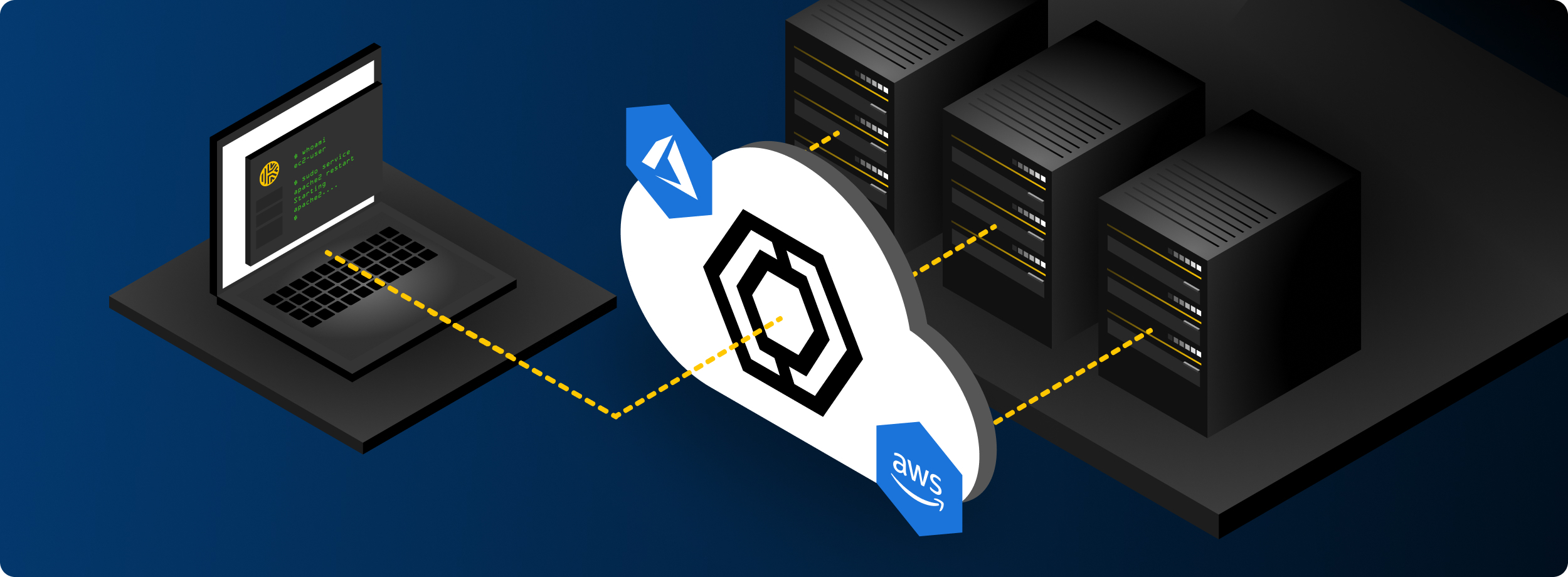
It may be necessary to create a connection into a target system which blocks ingress connections or is behind a firewall, particularly if you cannot install Keeper Connection Manager on a device within the target network.
For this use case, Keeper Connection Manager supports the use of reverse SSH tunnels. This guide provides a method of setting up a reverse SSH tunnel to access a system that is otherwise inaccessible due to inbound network restrictions.
This guide covers reverse SSH tunnels using the Auto Docker Install method and a target endpoint. Once the tunnel and configuration is complete, Keeper Connection Manager can establish a connection to the remote endpoint through the tunnel. You can use any supported connection within the tunnel, one established.
* [AutoSSH as a Windows Service](/en/keeper-connection-manager/supported-protocols/persistent-reverse-ssh-tunnel/connecting-via-reverse-ssh-tunnel.md)
* [Linux - AutoSSH](/en/keeper-connection-manager/supported-protocols/persistent-reverse-ssh-tunnel/connecting-via-reverse-ssh-tunnel-1.md)
* [Windows - OpenSSH](/en/keeper-connection-manager/supported-protocols/persistent-reverse-ssh-tunnel/connecting-via-reverse-ssh-tunnel-2.md)
### Using KeeperPAM instead of Reverse SSH Tunnels
Keeper's cloud-based product called KeeperPAM provides zero-trust encrypted connections through the Keeper vault. This eliminates the need for reverse SSH tunnels.
* [KeeperPAM Website](https://www.keepersecurity.com/privileged-access-management/)
* [KeeperPAM Product Documentation](/en/keeperpam/readme.md)
---
# Agent Instructions: Querying This Documentation
If you need additional information that is not directly available in this page, you can query the documentation dynamically by asking a question.
Perform an HTTP GET request on the current page URL with the `ask` query parameter:
```
GET https://docs.keeper.io/en/keeper-connection-manager/supported-protocols/persistent-reverse-ssh-tunnel.md?ask=
```
The question should be specific, self-contained, and written in natural language.
The response will contain a direct answer to the question and relevant excerpts and sources from the documentation.
Use this mechanism when the answer is not explicitly present in the current page, you need clarification or additional context, or you want to retrieve related documentation sections.